Where your money goes, charted.
MoneyMap keeps your spending, budgets, bills, savings and income in one place, and in sync between your Windows PC, your Android phone and the web, even when you're offline.
Free and open source under the MIT License.

What it keeps track of
Everything that moves through a household's money, each with its own page, and an overview that pulls it together.
-
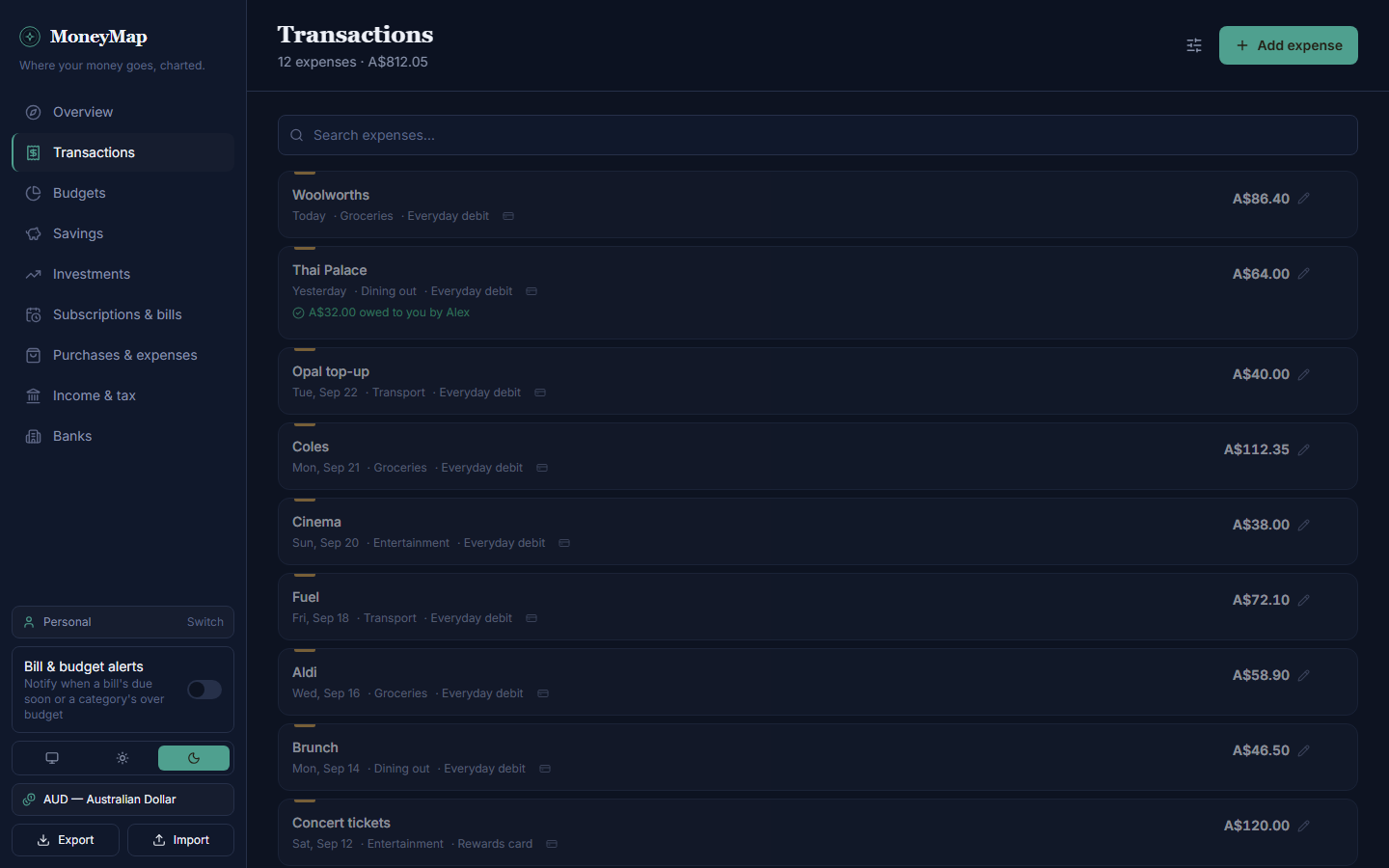
Transactions
Every expense, searchable by category, payment method or date.
-
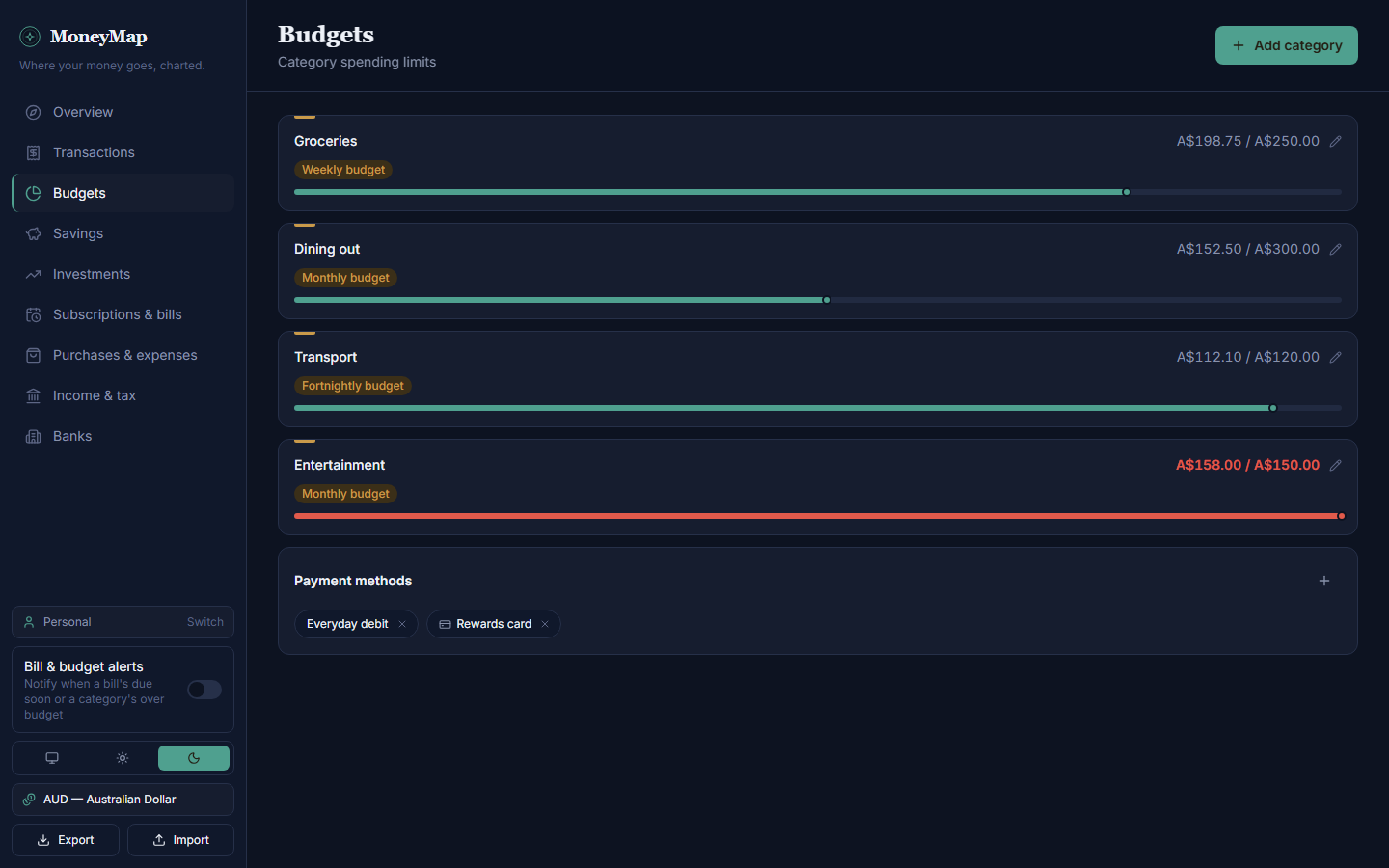
Budgets
Weekly, fortnightly or monthly limits, with a warning before you go over.
-
Savings goals
Targets you pay into and draw from, grouped by bank account.
-
Subscriptions and bills
Recurring costs as one monthly figure, with what's due next.
-
Investments
What you paid for each holding against what it's worth now.
-
Income and tax
Gross, net, tax and super for each pay, with a PDF ready for tax time.
-
Purchases and car costs
Big-ticket buys and running costs, kept apart from everyday spending.
-
Owed to you
Split bills, and who still has to pay you back.
-
Pay split by bank
A table for dividing each pay between accounts, with columns you choose.
On your PC, your phone and the web
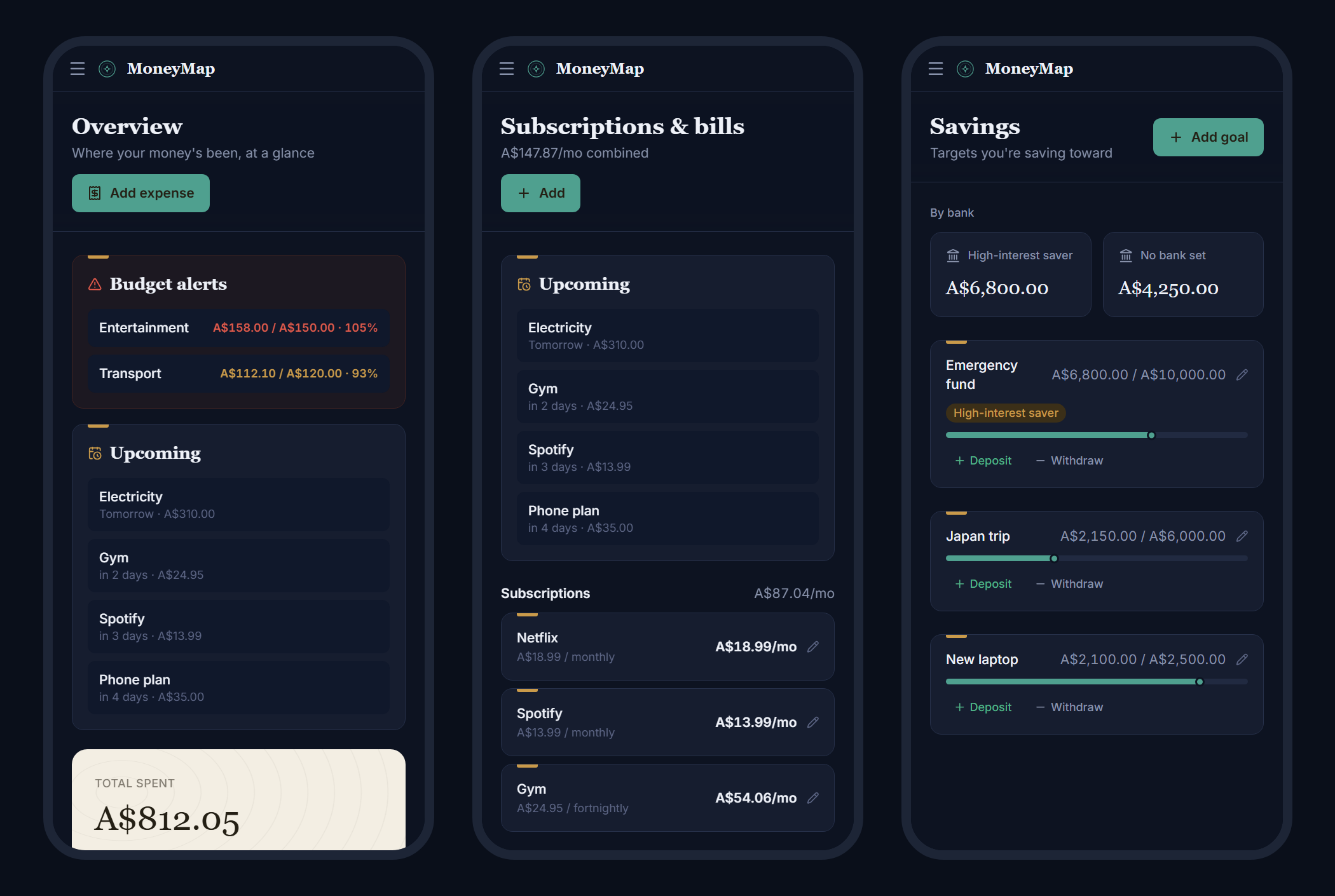
One app, built once and shipped three ways. Sign in on any of them and you're looking at the same ledger.
- Windows
- A desktop app with Windows notifications and a proper "Save as" for exports.
- Android
- An app on your phone, with bill reminders and exports through the share sheet.
- Web
- Install it from the browser like an app. Once it's loaded, it opens offline.
Changes save straight away and reach your other devices within about 15 seconds. Offline, it opens with your last-synced data and catches up when you're back.
Shared only if you both say yes
Every account starts with a private Personal ledger. Invite your partner to a separate shared one for the household bills. It only shows up for them once they accept, and either of you can leave whenever you like.
Sharing invitation
Your data stays in your own database
MoneyMap has no server of its own. You create a free Supabase project, and the app talks to it directly.
- Row-level security means only a ledger's members can ever read it.
- Export everything as a single JSON file whenever you want it.
- No ads and no analytics, and every line of code is on GitHub.
Run your own copy
You'll need Node.js 20 or newer and a free Supabase account.
-
Get the code
git clone https://github.com/SarveshP16/MoneyMap.git -
Set up the database
Create a Supabase project, then paste
supabase/schema.sqlinto its SQL editor and run it. -
Connect the app
Copy
.env.exampleto.env.localand add your project's URL and publishable key. -
Start it
Install, then run whichever version you want.
npm install
npm run dev            # web, at localhost:5173
npm run desktop        # Windows app
npm run android:apk    # Android, needs the Android SDK